
Scorer

Preferences

Choose your settings based on how important each room is to you

Press submit and you're ready to score a house
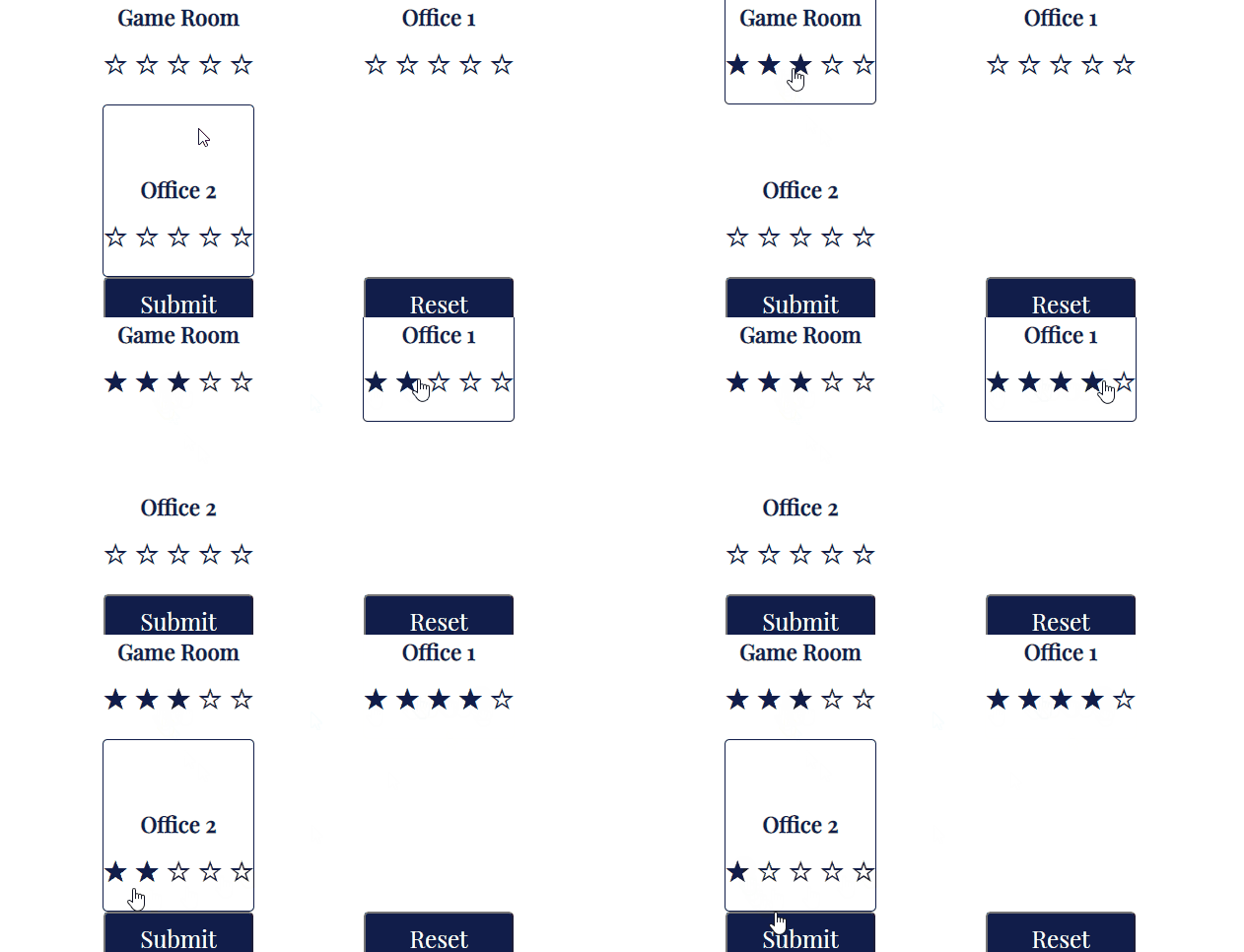
preferences gif

Scoring

Score each room

Press submit and then your report will be generated under the report heading
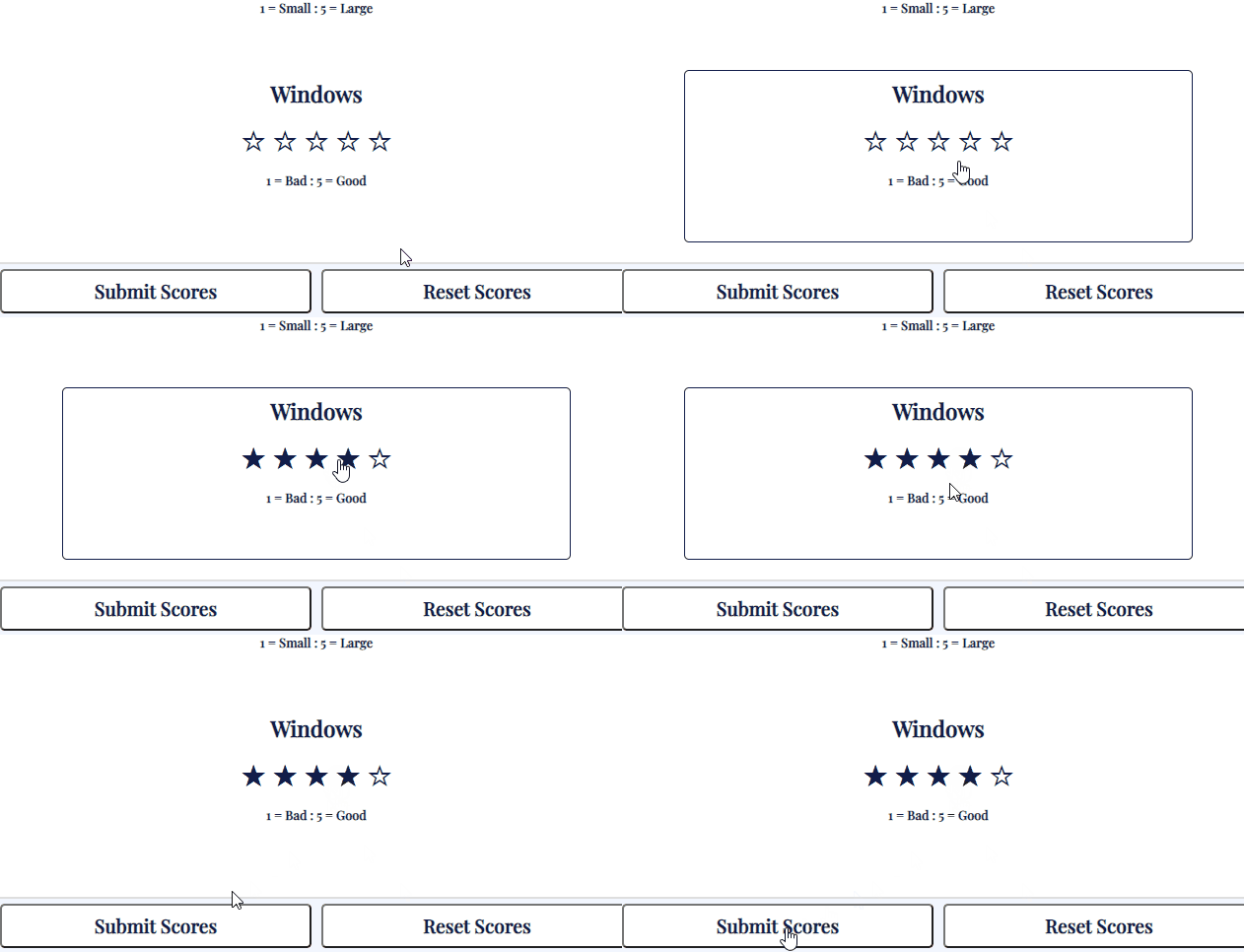
scoring gif

Resetting

Press the reset button. Scores and preferences can be reset individually
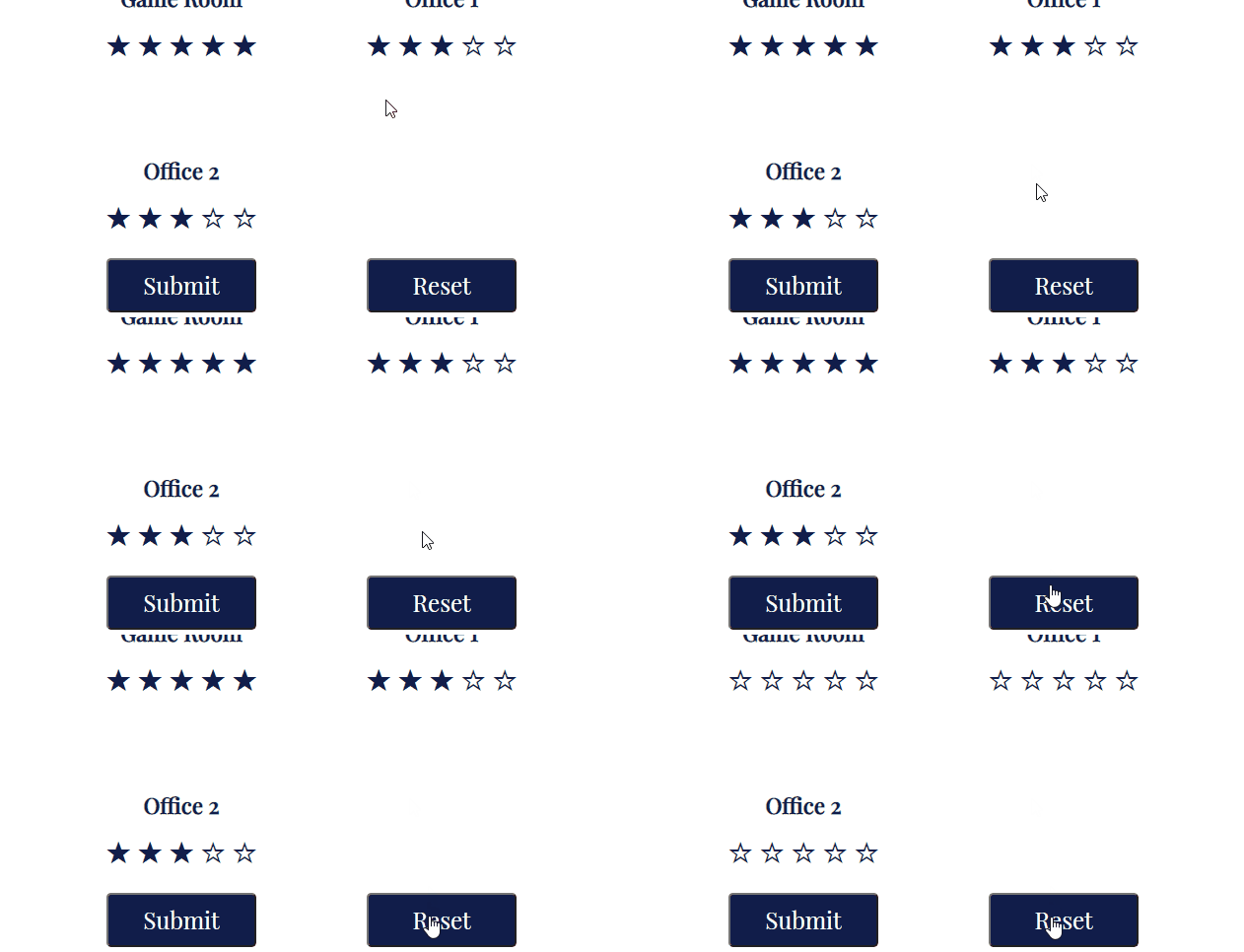
resetting gif

Location

Front Garden

Back Garden

Lounge

Kitchen

Utility

WC

Bathroom

Bedroom

Ensuite

Game Room

Office 1

Office 2

Road Pollution

1 = Lots : 5 = Little

Parents

1 = Far : 5 = Close

Schools

1 = Close : 5 = Far

Amenities

1 = Far : 5 = Close

Light Pollution

1 = Lots : 5 = None

Looks

1 = Bad : 5 = Good

Privacy

1 = None : 5 = Lots

Parking

Grass

Size

1 = Small : 5 = Large

Privacy

1 = None : 5 = Lots

Landscape

Size

1 = Small : 5 = Large

Windows

1 = Bad : 5 = Good

TV Space

Sofa Space

Size

1 = Small : 5 = Large

Windows

1 = Bad : 5 = Good

Counters

1 = None : 5 = Lots

Storage

1 = None : 5 = Lots

Sitting Area

1 = None : 5 = Lots

Size

1 = Small : 5 = Large

Storage

1 = None : 5 = Lots

Window

Size

1 = Small : 5 = Large

Window

Size

1 = Small : 5 = Large

Storage

1 = None : 5 = Lots

Windows

1 = Bad : 5 = Good

Size

1 = Small : 5 = Large

Windows

1 = Bad : 5 = Good

Size

1 = Small : 5 = Large

Window

Size

1 = Small : 5 = Large

Windows

1 = Bad : 5 = Good

Size

1 = Small : 5 = Large

Windows

1 = Bad : 5 = Good

Size

1 = Small : 5 = Large

Windows

1 = Bad : 5 = Good